Astute FF Beta Performance Tips for Low-End Phones
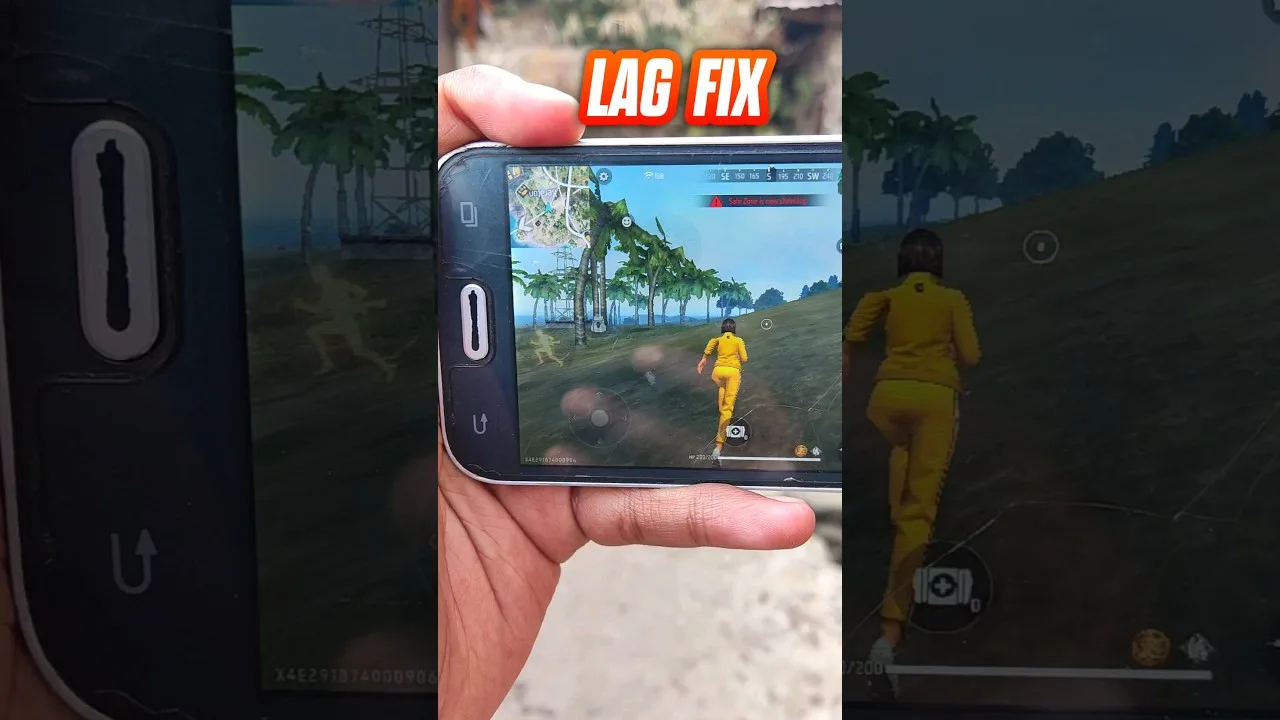
A low-end phone can still give you a smooth Astute FF Beta experience when it is set up with care. Performance problems on budget devices usually come from full storage, too many background apps and heat, rather than from the app itself.
This guide collects the fixes that make the biggest difference on modest hardware, in the order worth trying them. Work through them steadily and test after each change, so you know which step helped your phone in get Astute FF Beta on Android sessions.
Free Up Storage Before Anything Else
Android slows down when storage is nearly full, because the system needs free space to cache files and run smoothly. Keep at least a few gigabytes free: remove old downloads, clear large app caches, and move photos or videos you want to keep to another location.
After freeing space, restart the phone. A restart clears stuck background processes and gives the system a clean start. Many players are surprised how much smoother everything feels after this simple pair of steps, before any setting inside the app has been touched.
Close Background Apps and Limit Sync
Social apps, browsers with many tabs and cloud sync tools all compete for the same limited memory your game needs. Before a session, close recent apps you are not using, and pause large uploads or downloads until you finish playing.
If your phone has a game mode or performance mode, use it. These modes usually prioritise the game, limit background activity and block interruptions. Set it up once, test a full match, and keep it if frame stability improves, which it does on most budget devices.
Choose Graphics Settings Your Phone Can Hold
The best graphics setting is the highest one your phone can hold steadily, not the highest one available. A stable lower setting feels far better than a pretty setting that drops frames in every fight. Lower shadows and effects first, because they cost the most performance.
While testing, avoid changing sensitivity at the same time, or you will not know which change helped. If aim also feels wrong, work on it separately using Astute FF Beta headshot settings tips after your frame rate is stable.
Manage Heat During Long Sessions
Heat is the quiet enemy of budget phones. As the device warms up, the processor slows itself down to stay safe, and your frame rate falls with it. Remove a thick case during play, avoid charging while gaming when you can, and take short breaks between matches.
Playing in a cooler room and keeping the screen brightness moderate also helps more than players expect. If your phone becomes hot to hold, pause. Short sessions played cool will always outperform one long, throttled session where every fight stutters.
Keep the Panel Setup Light
Use only the Astute FF Beta features you actually need during a match. Extra floating elements and background options add small costs that matter on limited hardware. A lighter setup also reduces clutter on smaller screens, which helps you see enemies sooner.
If you are unsure which sections matter most, review the Astute FF Beta main sections guide and build a short list of your essentials. Turning everything on because it exists is a habit that costs performance on any phone, and costs the most on low-end ones.
Network Settings That Reduce Lag Spikes
Performance is not only frames; a shaky connection feels like lag even when the phone is fine. Play on a stable Wi-Fi network when possible, stay reasonably close to the router, and avoid playing while others on the same network are streaming or downloading heavily.
If you use mobile data, check signal strength before blaming the app. Moving a few metres can transform a weak signal. A short test match in training or a casual mode confirms the connection is steady before you commit to a ranked game.
Knowing When Settings Cannot Fix It
There is a limit to what tidy habits can do. If a phone is very old, has a damaged battery that swells or overheats within minutes, or cannot hold a charge through a session, performance workarounds will only soften the problem rather than solve it. Recognising that limit honestly saves you from endless cycles of clearing, restarting and hoping for a different result from the same tired hardware.
Until a replacement is possible, shorten your sessions, keep graphics at their most stable level, and protect what matters most: a setup that stays predictable. A modest phone that behaves the same way every match is more playable than a struggling device that feels different each time you pick it up, and your settings knowledge will transfer completely when a better phone eventually arrives.
Another small win comes from your home screen and widgets. Live wallpapers, heavy widgets and animated themes all consume the same limited resources your game needs, and on a budget phone their cost is real rather than theoretical. A plain wallpaper and a tidy home screen will not transform an old device, but combined with the storage, background and heat habits in this guide, they remove one more quiet drain that was competing with your matches every single time you unlocked the phone.
Final Thoughts
Low-end phones reward tidy habits: free storage, closed background apps, honest graphics settings and cool hardware. Work through these tips in order and your Astute FF Beta sessions will feel smoother and more predictable, without spending anything or replacing the phone you already own.